Key takeaways
Fill, sign, and submit Form 3017 Transmittal Letter from any browser — or have AI generate a custom version in seconds. No installs, no printing, no back-and-forth.
- The Letter of Transmittal Form 3017 is used to accompany and describe documents being sent to a company.
- A sender must complete this form and provide a signature when transmitting documents to another party.
- The form allows users to specify document types such as shop drawings, samples, specifications, or change orders.
- It includes specific checkboxes to indicate if the transmittal purpose is for approval, review, or bidding.
- Required fields include the date, job number, recipient address, and a dedicated section for additional remarks.
- This document serves as a record of transmitted materials and has no specified official filing deadline.
What is Form 3017 Transmittal Letter?
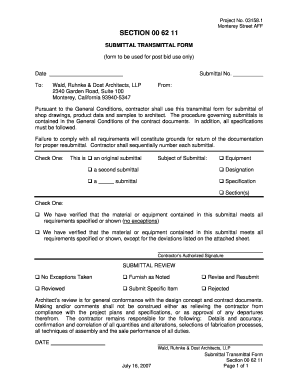
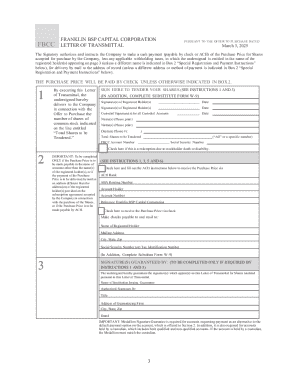
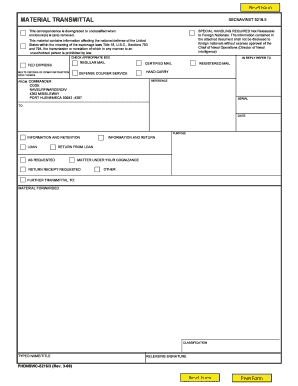
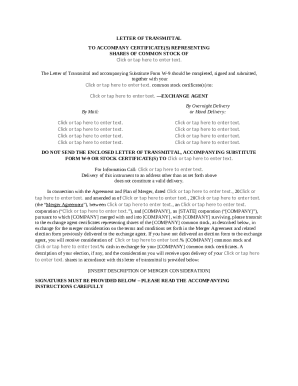
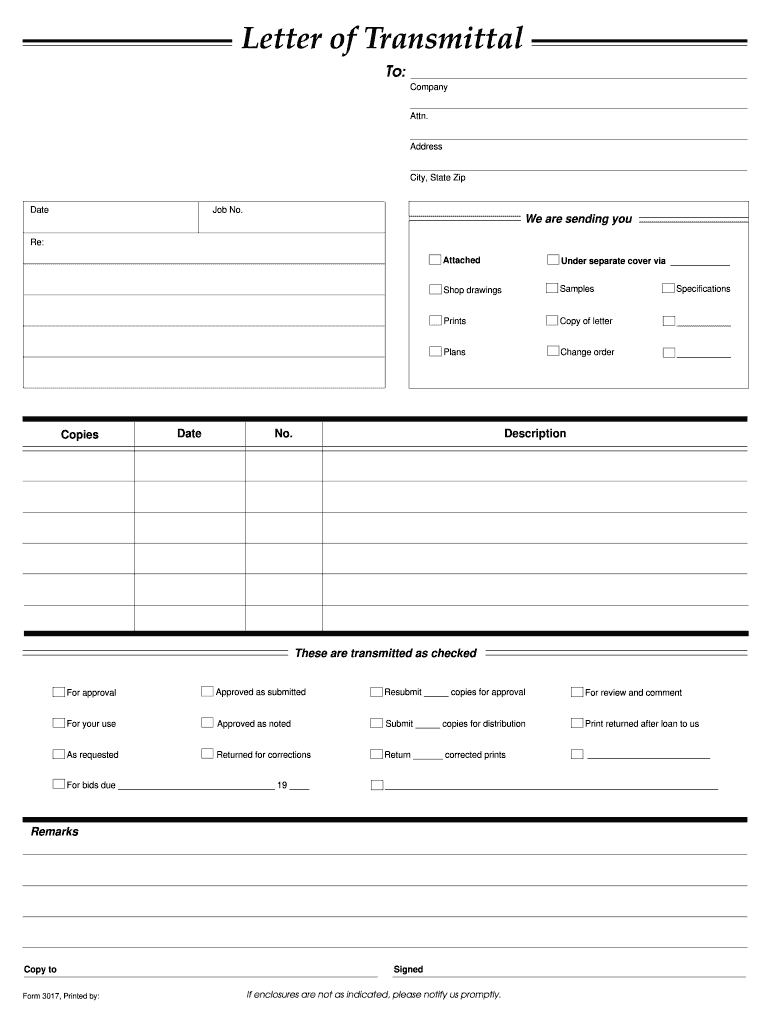
Letter of Transmittal Form 3017 is a professional document used to accompany and describe various materials being sent from a sender to a specific company. Its primary purpose is to provide a clear record of what is being delivered, ensuring that the recipient understands the contents of the package. This form serves as a formal cover sheet that links the physical or digital files to a specific project or job number, facilitating better organization and tracking for both the sender and the receiving party.
The form captures essential details such as the date, job number, and the recipient address to ensure accurate delivery and record-keeping. It features specific sections to identify the type of materials being sent, such as shop drawings, samples, or specifications, and includes checkboxes to indicate the purpose of the transmittal, whether for approval, review, or bids. As a versatile construction transmittal form, it also provides a remarks section for additional comments and requires a signature from the sender to verify the transmission of the listed documents.
The issuing authority for this form is not specified.
Who needs the Form 3017 Transmittal Letter — and who doesn't
Not everyone files Form 3017 Transmittal Letter. The checklist below tells you whether it applies to your situation — and points you to the right alternative if it doesn't.
You need this Form 3017 Transmittal Letter if…
- you are sending documents to a company and must provide a formal record of the delivery.
- you need to specify the type of materials being transmitted, such as shop drawings, samples, or specifications.
- you want to clearly define the purpose of the transmittal, including requests for approval, review, or bidding.
- you are managing project documentation and need to organize deliveries by date and job number.
You do not need this Form 3017 Transmittal Letter if…
- you are not sending any documents or physical samples to another organization.
- the materials being delivered do not require a descriptive cover sheet or a formal signature from the sender.
Why you need the Form 3017 Transmittal Letter
Why people fill out Form 3017 Transmittal Letter, and what tends to go wrong when they don't.
-
Organize Document Deliveries Use this form to provide a clear record of what is being sent and why. It ensures the recipient understands whether the contents are intended for approval, review, or bidding purposes.
-
Categorize Project Materials The form includes specific checkboxes for various items like shop drawings, samples, and specifications. This helps both parties quickly identify the nature of the materials included in the transmittal.
-
Establish Formal Accountability By including a signature line for the sender, this document serves as a formal acknowledgment of the transfer. It creates a verified trail for job-related correspondence and document handovers.
-
Streamline Digital Sharing With pdfFiller, you can complete the Letter of Transmittal Form 3017 online and share it instantly via link or email, ensuring your documents are tracked and delivered securely.
What each section of Form 3017 Transmittal Letter means
Every section explained — what it's asking, the records you'll need on hand, and the mistakes that most often cause a rejection or follow-up request.
| Date of Transmittal | Enter the specific calendar date on which the documents are being sent to the recipient company to establish a clear timeline for the project. |
|---|---|
| Project Job Number | Provide the unique project or job identification number to ensure the recipient can easily associate the documents with the correct work order. |
| Recipient Mailing Address | Input the complete mailing address of the company or organization that is intended to receive the documents listed on this transmittal form. |
| Type of Documents | Indicate the nature of the materials being sent by checking boxes for shop drawings, samples, specifications, or other relevant document categories. |
| Purpose of Transmittal | Specify the reason for sending the items by selecting checkboxes for actions like approval, review, bids, or other intended uses by the recipient. |
| Remarks and Comments | Use this space to provide any extra notes, instructions, or context that may be helpful for the recipient regarding the transmitted materials. |
| Sender Signature Line | The individual sending the documents must provide their signature on this line to officially authorize the transmittal and confirm the contents being delivered. |
How to fill out Form 3017 Transmittal Letter using pdfFiller
A walkthrough from the first field to the signature line. With your records in front of you, most people finish in under ten minutes.
-
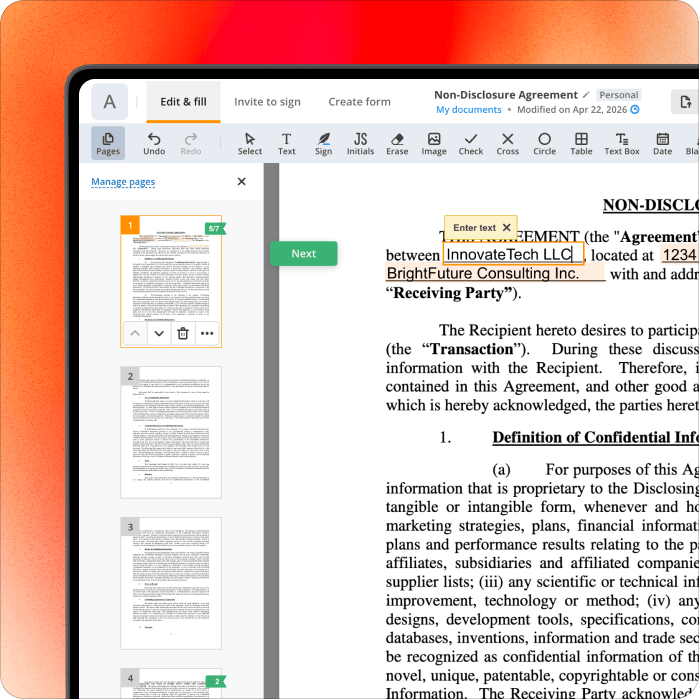
Open the Document Click Get Form to open Letter of Transmittal Form 3017 in the pdfFiller editor. This will launch the document in the online interface where you can begin editing immediately.
-
Provide Date and Job Number Click the date field to select the current day from the calendar and type the relevant job number into the provided box for accurate tracking and project organization.
-
Enter Recipient Address Use the text tool to fill in the full address of the company receiving the documents, ensuring this transmittal form template clearly states where the materials are going.
-
Select Document Types Navigate to the checkboxes and select the items being sent, such as shop drawings, samples, or specifications, to provide a clear inventory of the package contents for recipients.
-
Specify Transmittal Purpose Mark the appropriate checkboxes to specify the purpose of the delivery, whether it is for approval, review, or bids, to inform the recipient of any necessary follow-up actions.
-
Add Remarks Click the Remarks section to type any supplementary comments or instructions regarding the shop drawings transmittal form that the recipient should be aware of during their review process.
-
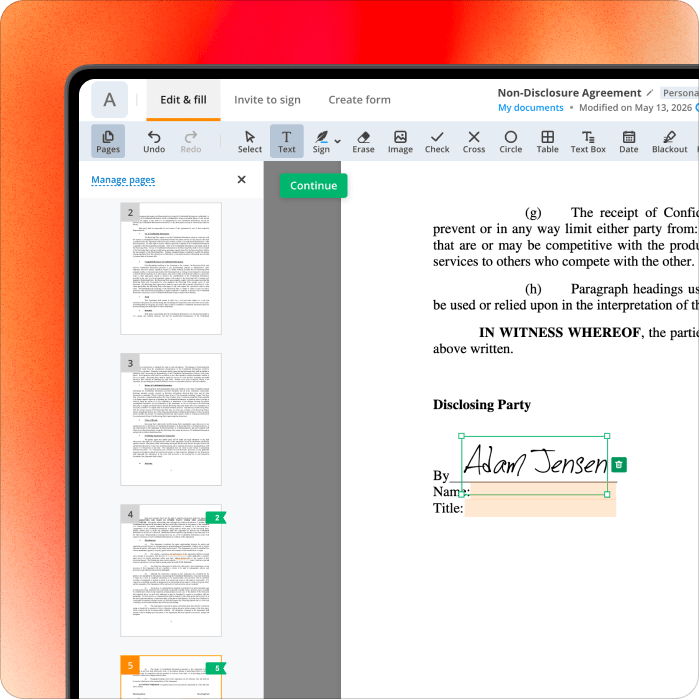
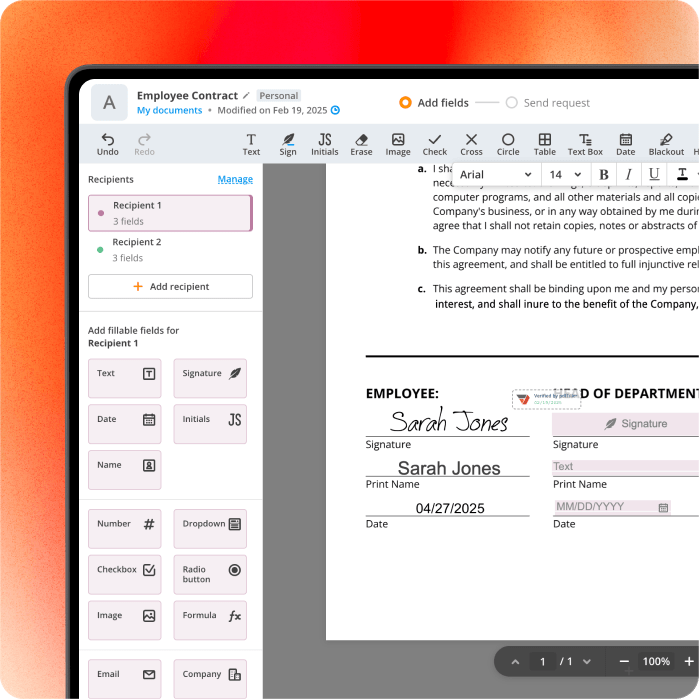
Sign and Send Use the Sign tool to create and add a legally binding e-signature to the signature line, then choose to send or share the finished PDF document with others.
-
Manage and Secure After completion, you can download the file or utilize platform tools like merging pages, all while your document is kept safe and accessible within secure encrypted storage.
Related content
The forms, guides, and worksheets most filers reach for alongside Form 3017 Transmittal Letter.
Key terms used in Form 3017 Transmittal Letter
A one-sentence glossary of the Form 3017 Transmittal Letter terms and concepts you'll see throughout this guide.
- Transmittal
- The formal process of sending documents or materials from one party to a designated recipient.
- Shop Drawings
- Technical drawings or diagrams that illustrate how specific components are to be fabricated or installed for a project.
- Specifications
- Comprehensive documents outlining the technical requirements, materials, and quality standards for a construction or design project.
- Job Number
- A unique identifier used to track all documents, materials, and communications related to a specific project or contract.
- Samples
- Physical items or material specimens provided to a recipient for review, testing, or quality approval.
Frequently asked questions about Form 3017 Transmittal Letter
Quick answers to the questions we hear most often about completing the Form 3017 Transmittal Letter.
The Letter of Transmittal Form 3017 is a document used to accompany and describe various items being sent to a company. It acts as a formal record that lists exactly what materials are being delivered, such as shop drawings or specifications. Using pdfFiller, you can quickly complete this form online and share it with recipients through email or a direct link.
Any sender who is delivering documents or physical samples to another company should use this form to maintain a clear record of the transaction. It is commonly used in professional environments to ensure the recipient knows exactly what is included in a package. With pdfFiller, senders can easily manage these records in secure encrypted storage, ensuring all transmittals are organized and accessible.
Form 3017 requires the date of transmittal, a job number, the recipient's address, the type of documents, and the purpose of the delivery. There is also a section for remarks where the sender can add specific instructions or context. You can use pdfFiller to fill out these fields in your browser, ensuring all necessary information is legible and professional before sending.
The Letter of Transmittal Form 3017 includes checkboxes for various document types, including shop drawings, samples, specifications, and prints. This allows the sender to quickly categorize the items being sent for the recipient’s review. pdfFiller’s editing tools make it simple to select these options and even add annotations or stamps to the document if further clarification is needed.
Yes, the Letter of Transmittal Form 3017 includes a dedicated signature line at the bottom that must be signed by the sender. This signature serves as a formal verification of the contents being transmitted to the receiving party. By using pdfFiller, you can add a legally binding e-signature to the document or even request signatures from others before finalizing the paperwork.
Yes, the form includes checkbox options to specify that the purpose of the transmittal is for approval, review, bids, or other business actions. These options help the recipient understand how they should process the accompanying documents upon arrival. pdfFiller allows you to complete these sections digitally and then download or fax the finished PDF directly from the platform for efficient communication.